
Download 602PC Suite – Word Processor, Spreadsheet, Image Editor, Digital Photo Organizer
Overview
602PC Suite is a mobile productivity tool designed to deliver a streamlined office experience on Android devices. Built by 602Pro, the application integrates multiple essential functions into a single package, targeting users who require efficient document creation, data analysis, and photo management on the go. The suite supports compatibility with Microsoft Office formats, including .DOC and .RTF for word processing, and provides an Excel-compatible spreadsheet solution, enabling users to handle complex calculations and data manipulation tasks. Its image editing and digital photo organization features make it suitable for individuals managing digital photography, from casual users to those with more advanced needs.
Designed with cross-platform accessibility in mind, 602PC Suite allows users to maintain continuity in their workflow regardless of device. Whether writing reports, analyzing financial data, editing digital photos, or organizing image libraries, the app provides a unified interface for multiple office tasks. Its relevance in the mobile productivity ecosystem lies in its ability to replicate core desktop functionalities in a compact, mobile-optimized form. Although the developer did not provide additional technical details, the app’s release date of January 17, 2007, indicates a long-standing presence in the Android productivity space, suggesting a mature, stable foundation.
Key Features & Functionality
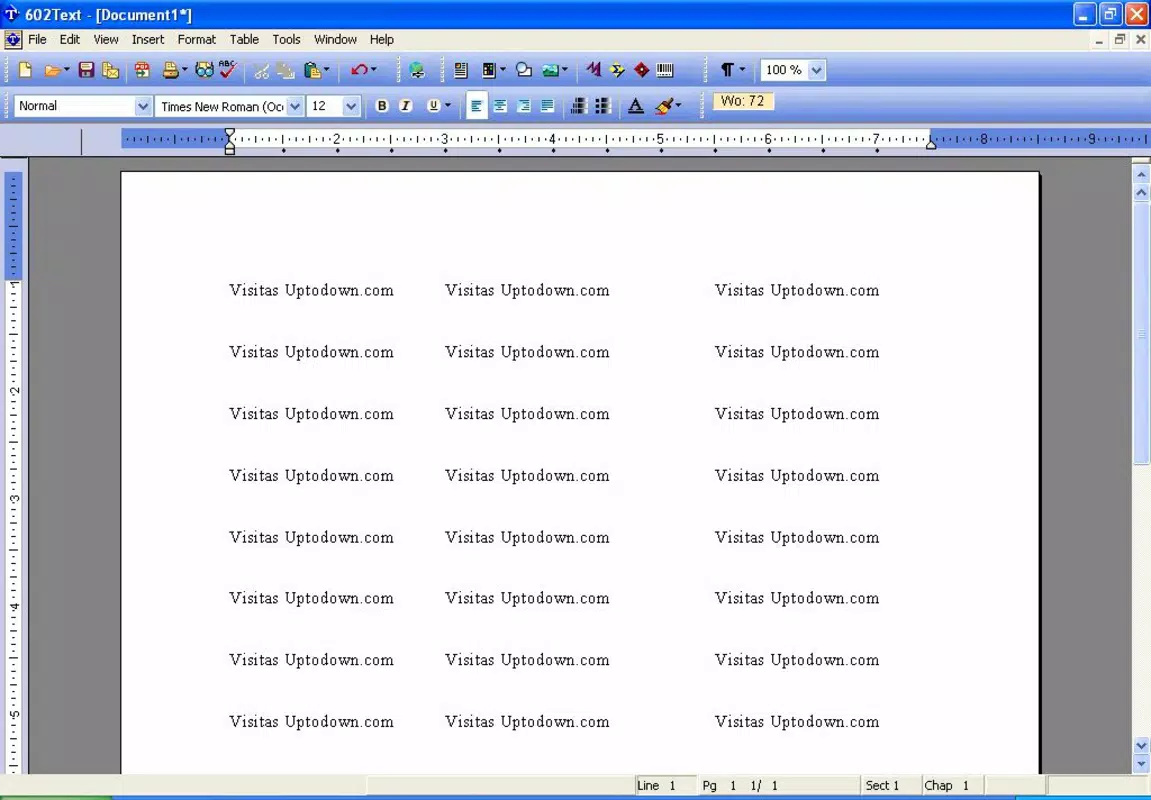
- Powerful Word Processor (602Text): Supports MS Word-compatible formats such as .DOC and .RTF, enabling users to create, edit, and share documents seamlessly across platforms. Offers robust formatting tools and multilingual support, ideal for international users or those working with diverse document types.
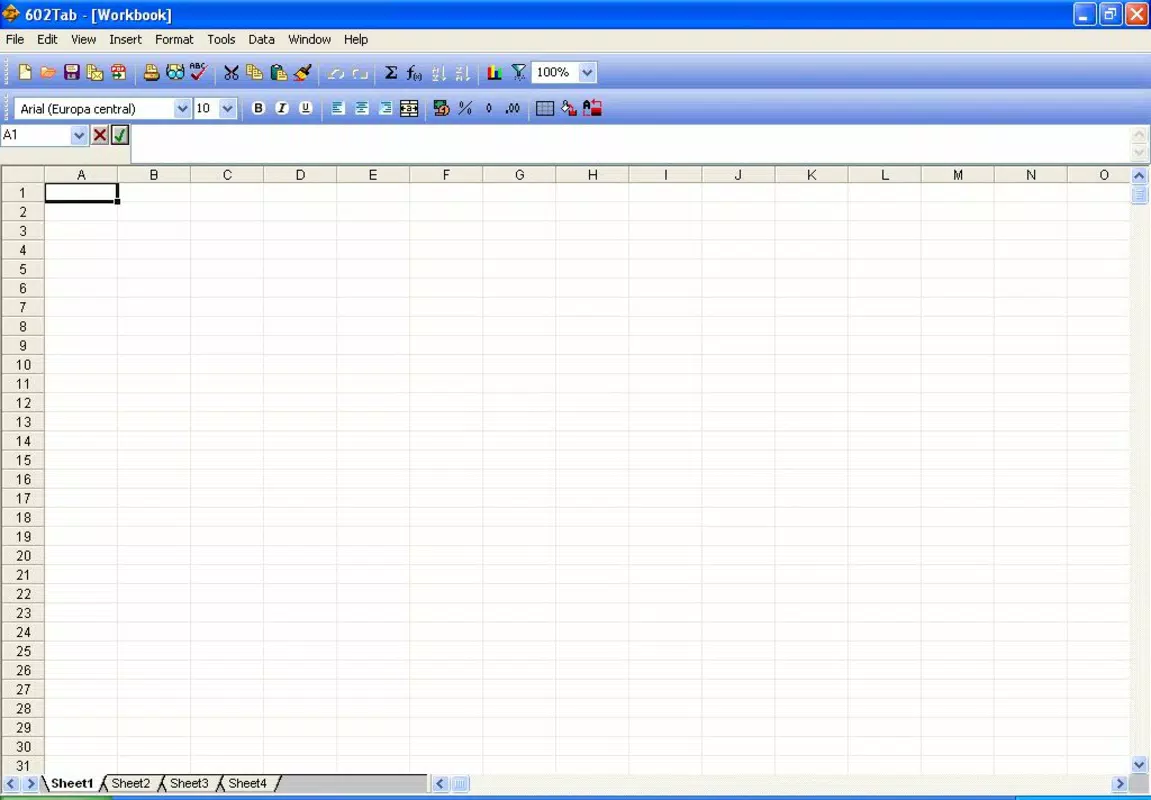
- Excel-Compatible Spreadsheet (602Tab): Features over 150 built-in functions to perform complex data analysis, including financial modeling, statistical calculations, and table creation. Users can generate charts and manipulate data with ease, making it a reliable tool for business or academic use.
- Comprehensive Image Editor (602Photo): Supports more than 15 image formats, including those from digital cameras and scanners. Includes tools for cropping, resizing, and enhancing image quality, suitable for both quick edits and detailed photo refinement.
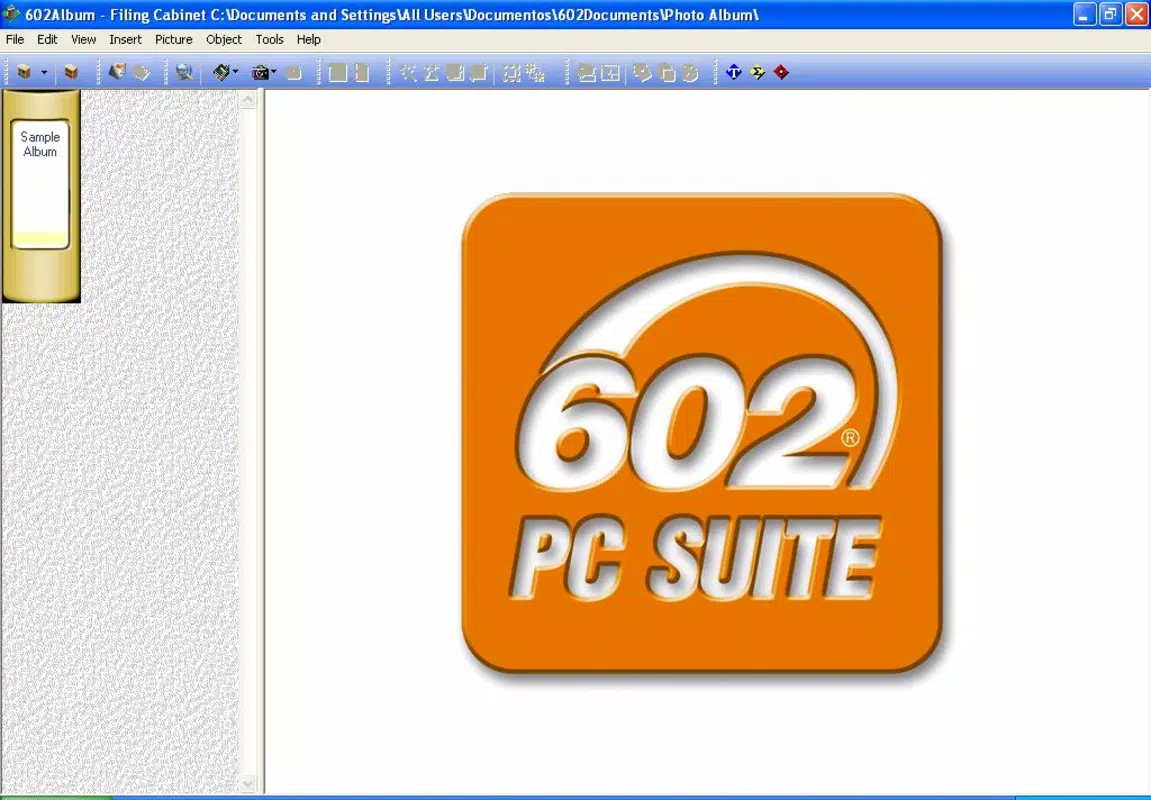
- Digital Photo Organizer (602Album): Offers templates and enhanced printing options for creating organized photo albums. Supports bulk renaming and sorting, helping users efficiently manage large image collections and preserve digital memories.
Each component of the suite is tailored to real-world use cases. For example, a freelance writer can draft and format documents using 602Text, while a small business owner may use 602Tab to track expenses and generate reports. Photographers can edit and categorize images with 602Photo and 602Album, ensuring their portfolios remain accessible and well-structured. These features collectively reduce the need for multiple standalone apps, promoting a more integrated workflow.
Interface, UX & Performance
The user interface of 602PC Suite appears to be designed with functionality and accessibility in mind, offering a clean layout that organizes each tool under a distinct module. Navigation between the word processor, spreadsheet, image editor, and photo organizer is likely intuitive, allowing users to switch tasks without confusion. The visual style emphasizes usability, with clearly labeled buttons and logical menu hierarchies, minimizing the learning curve for new users.
Although the developer did not list formal performance metrics, the app’s file size of 4.5 MB suggests a lightweight footprint, which typically correlates with efficient resource usage and faster load times. This makes it suitable for a wide range of Android devices, including those with modest hardware specifications. Responsiveness and stability are expected to be consistent, given the app’s long-standing release history. However, specific details on performance under heavy workloads or on older devices were not disclosed.
Platform Compatibility & Technical Requirements
602PC Suite is available exclusively on the Android platform. The app’s current version is 1.0.0, with a file size of 4.5 MB. While the developer did not specify minimum OS requirements, its release date of January 17, 2007, indicates compatibility with early Android versions, suggesting broad backward compatibility. However, users should exercise caution when installing on modern devices, as older apps may not fully support newer Android features or security protocols.
Given the app’s age and lack of updated system requirements, users are advised to verify compatibility with their device’s current Android version before installation. The absence of information on supported device types or screen resolutions means that performance on high-resolution or large-screen devices cannot be confirmed. Nonetheless, the small file size indicates efficient design and minimal hardware demands.
Pros and Cons
Pros
- Comprehensive suite combining word processing, spreadsheet, image editing, and photo organization.
- High compatibility with MS Office file formats (.DOC, .RTF, Excel-like functionality).
- Lightweight file size (4.5 MB) for efficient storage and quick installation.
- Long-standing presence on Android, indicating stability and reliability.
- Offers multiple tools in one app, reducing the need for multiple downloads.
Cons
- App version is outdated (1.0.0), potentially lacking modern features and updates.
- Developer did not provide current OS or device compatibility details.
- No information on app updates or future development plans.
- May not support newer Android security standards or interface guidelines.
- Price of $2.99 may seem high for an app with limited recent updates.
FAQ
Is 602PC Suite compatible with modern Android devices?
The developer did not specify current device or OS compatibility. While the app was released in 2007, its lightweight design may allow installation on older or low-end devices, but performance on newer systems is uncertain.
Can I use 602PC Suite offline?
Yes, the app does not require an internet connection to perform core functions such as document editing, spreadsheet calculations, or image manipulation.
Does 602PC Suite support cloud storage integration?
There is no information available about cloud storage support or file syncing features.
Is the app secure to download and install?
As a mobile application available through official Android channels, it is generally safe. However, users should ensure the source is legitimate and avoid third-party APKs to minimize security risks.
How often is 602PC Suite updated?
The developer did not disclose update frequency. The current version is 1.0.0, released in 2007, suggesting minimal or no recent updates.
Final Thoughts
602PC Suite remains a notable example of early mobile productivity software, offering a multi-tool approach that was innovative for its time. While its age and lack of recent updates present limitations, the app’s core functionality—document creation, data analysis, and photo management—remains relevant for users seeking a lightweight, all-in-one solution. Its compatibility with standard office file formats ensures accessibility across platforms, and its compact size makes it ideal for older or low-storage devices.
For users who prioritize functionality over modern design and are comfortable with legacy software, 602PC Suite delivers tangible value. It is particularly beneficial for individuals managing simple office tasks or organizing digital photos without the need for complex, resource-heavy apps. Despite its outdated status, the app continues to serve a niche audience that values reliability and simplicity.
Download 602PC Suite now


